Booking flow
The straightforward booking flow for a new order typically moves you from search to basket in less than a minute.
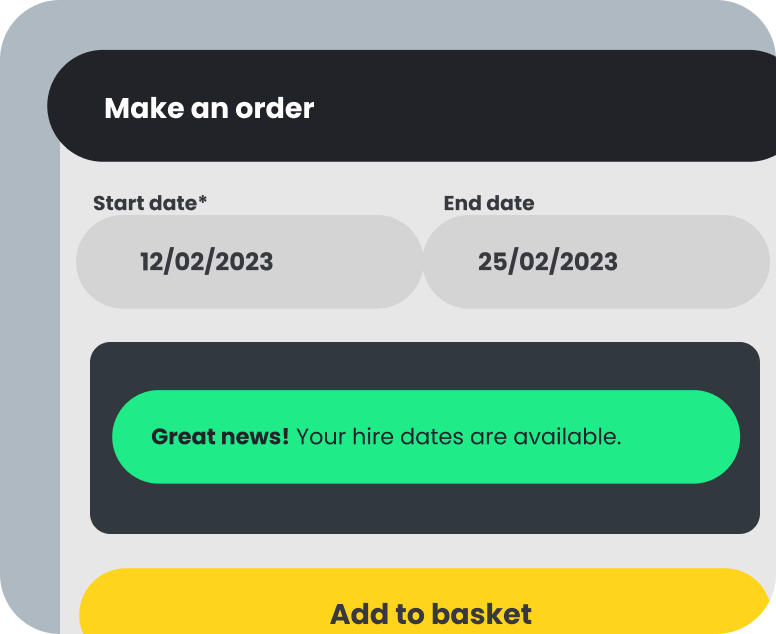
Add a new address or select a saved site and you’ll be taken to Advanced Search to start your order. Search by product name, stock code, alias or category, and filter by agreed rate or previously booked products, should you wish.
Add products to your order, tell us when and where you want them, and you’ll receive an immediate order confirmation.
Still just exploring?
You can browse thousands of products by hire or buy, category or subcategory. And if you’re not ready to book, you can save a quote or email it to a contact from the platform.
To learn more about the marketplace, explore the platform now in a way that works for you.
Explore platformWant updates straight to your inbox?
Stay up to date with the latest thinking, news and features from HSS ProService Marketplace by signing up to our mailing list below.